As year-end dividends and capital gains distributions arrive, you can easily track them using EquityStat’s portfolio manager.
With EquityStat’s powerful stock portfolio manager, handling these critical financial events across all your brokerage accounts is seamless and intuitive.
How to Record Distributions
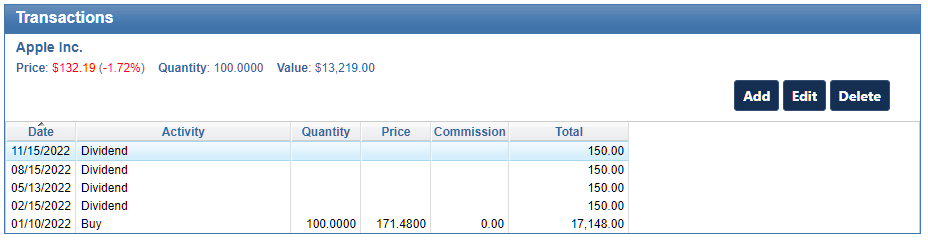
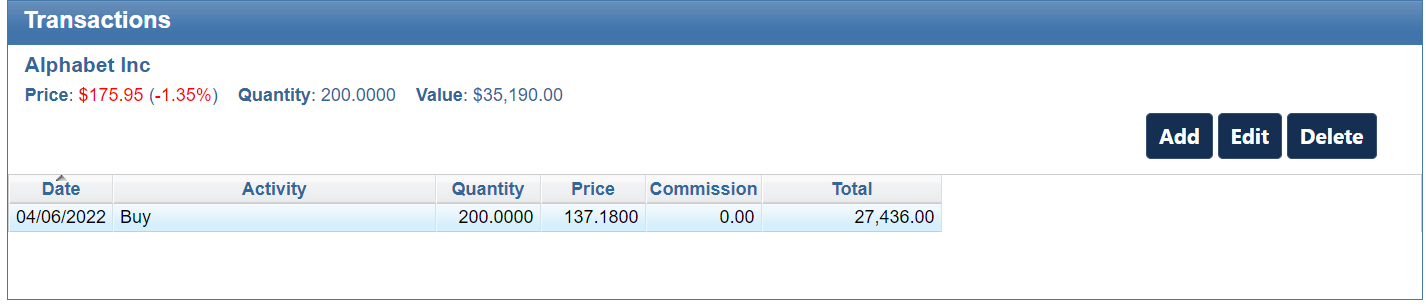
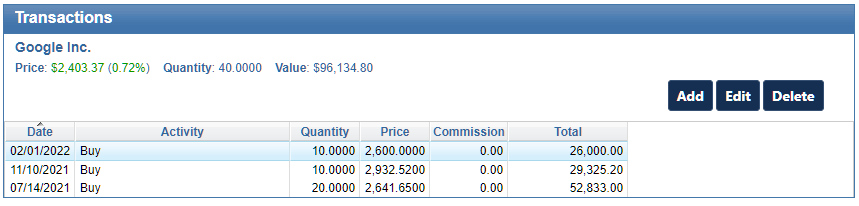
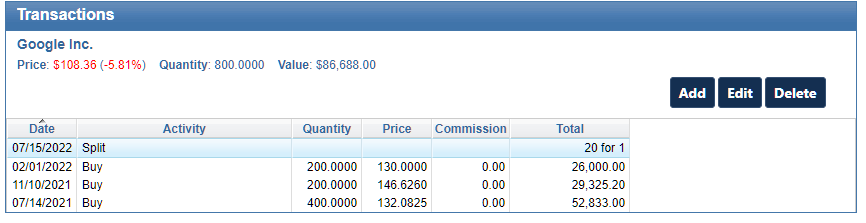
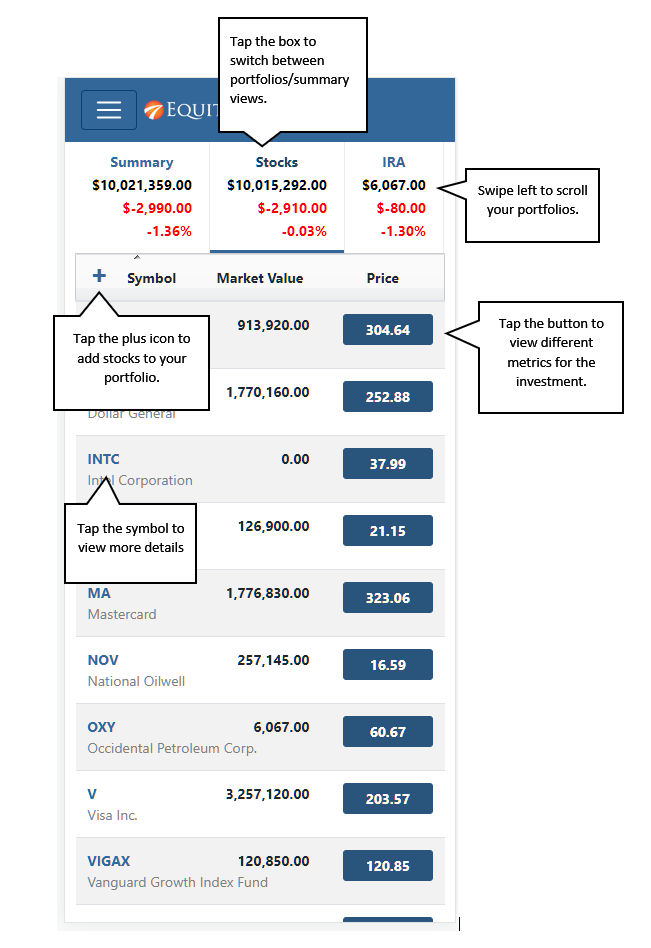
1. Select the investment from your portfolio list.
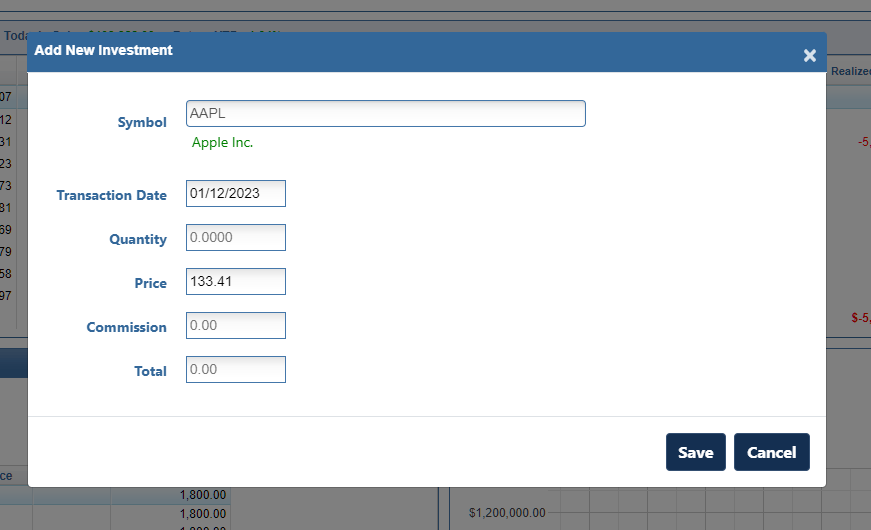
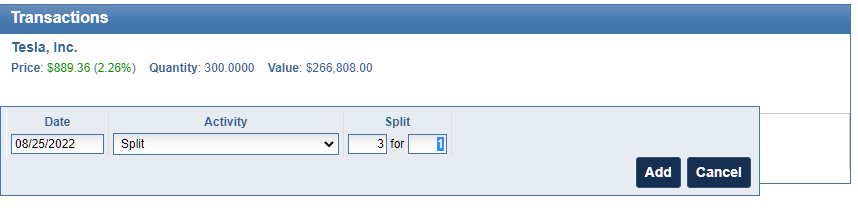
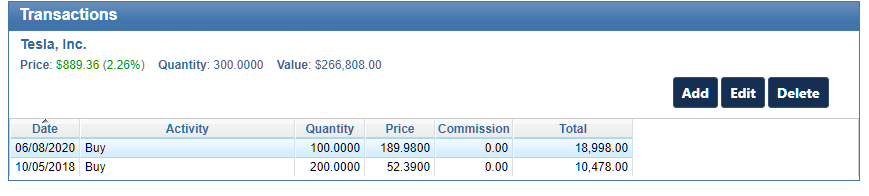
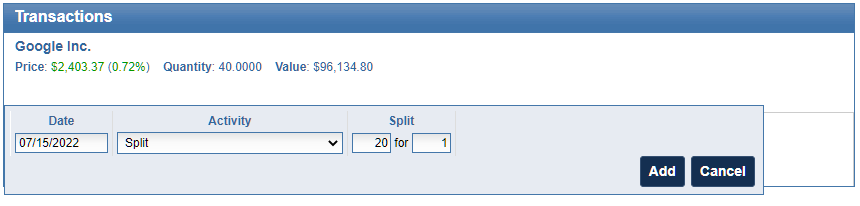
2. In the Transaction panel, click the Add button
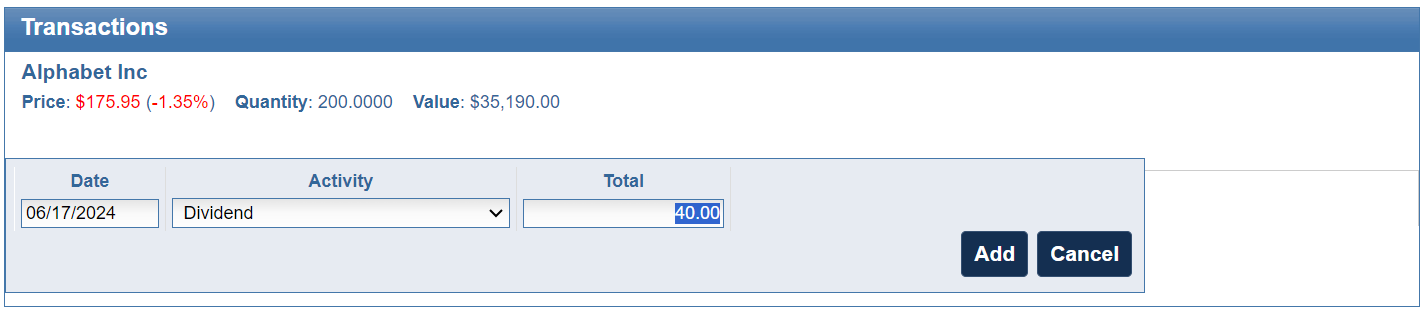
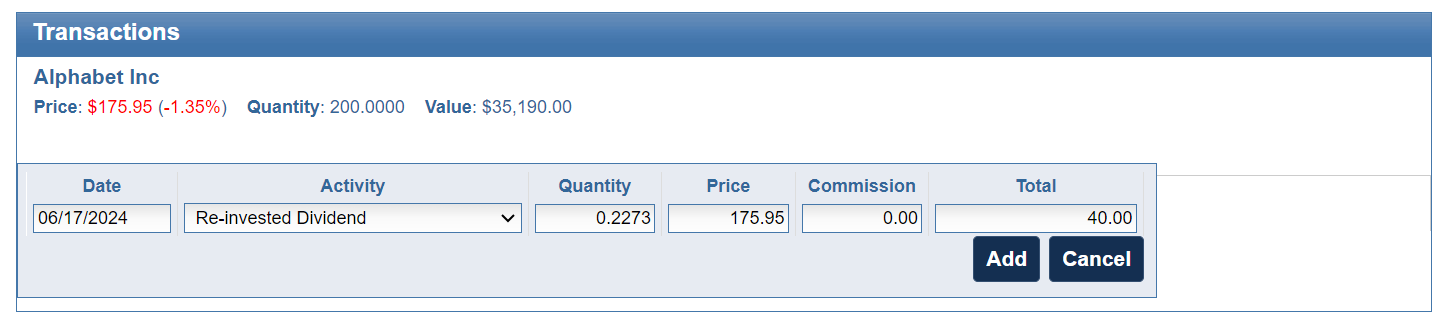
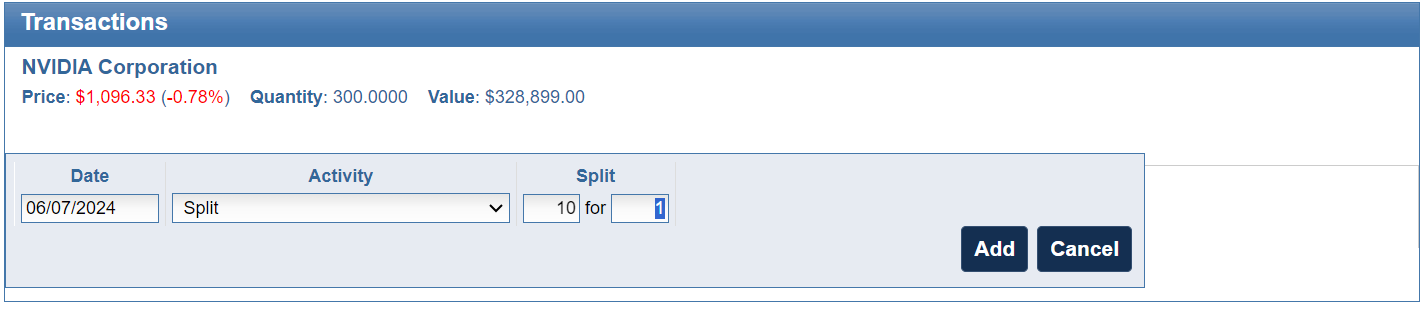
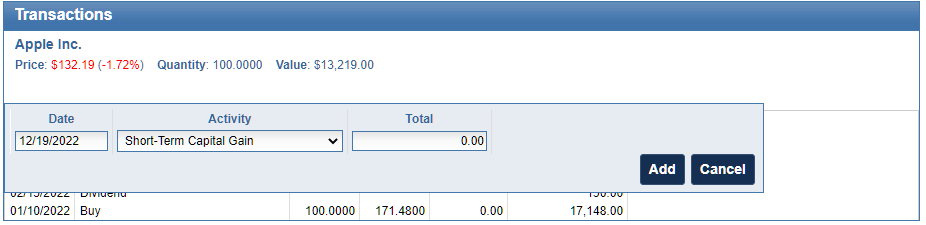
3. Use the Activity dropdown to select the distribution type:
a. Cash Payments – Select Dividend, Short-Term Capital Gain, or Long-Term Capital Gain
b. Reinvestements – Select the “Re-Invested” version of these options if the funds were used to purchase more shares.
4. Enter the distribution details and click Add.
How to View Your Dividend Totals
Knowledge is power. EquityStat helps you get a complete picture of dividends:
- Customize Your View: Instantly see the Total Dividends (including capital gains) paid by each investment. Simply access the Options menu at the top and select Change Columns to add this key metric to your main portfolio display.
- Analyze Your Entire Account: Get big-picture insights on your total income over time. The Analyze Portfolio page, found under the Tools menu, provides comprehensive, graphical performance metrics for your entire account or specific portfolios, helping you make better-informed decisions.